Top 20 WhatsApp Plus Features You Should Know
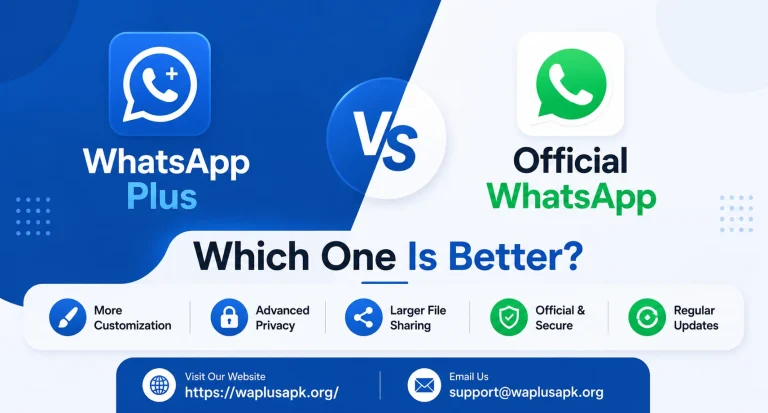
When people first hear about WhatsApp Plus, the initial reaction is usually curiosity mixed with a bit of confusion. Why would anyone use an unofficial version of an app that already works perfectly fine? The answer becomes obvious once you actually look at the feature list. The official WhatsApp app is designed to work well for the widest possible audience, which means it deliberately keeps things simple and limited.
WhatsApp Plus, on the other hand, was built by developers who wanted to give power users, privacy-conscious individuals, and people who simply enjoy customizing their phones a much deeper level of control. Below is a detailed breakdown of the twenty features that consistently come up as the biggest reasons people make the switch.
1. Advanced Privacy Controls Beyond the Standard App
The official app gives you a handful of privacy toggles. WhatsApp Plus expands this considerably, letting you fine-tune visibility settings in ways the standard version simply doesn’t allow, giving users a much stronger sense of control over their digital footprint.
. Ghost Mode
One of the most talked-about features, ghost mode allows you to browse and read messages without triggering the usual indicators that let others know you’re active. This single feature is often the primary reason people search for WhatsApp Plus in the first place.
. Hiding Blue Ticks Selectively
Rather than an all-or-nothing setting, this feature lets you decide on a per-conversation basis whether the other person sees that you’ve read their message, giving you flexibility that official WhatsApp doesn’t offer.
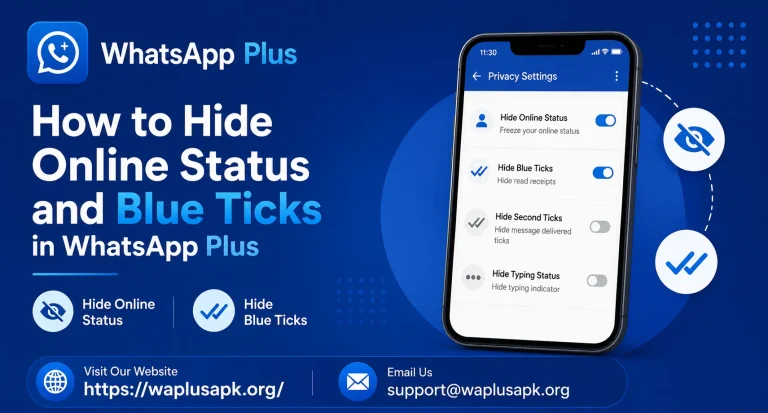
. Hiding Your Online Status
You can appear offline even while actively using the app, which is particularly useful for people who want to check messages without immediately feeling obligated to respond.
. Hiding Typing and Recording Indicators
Beyond just online status, you can also prevent others from seeing when you’re typing a reply or recording a voice note, adding another layer of quiet privacy to your conversations.
. DND (Do Not Disturb) Mode
This built-in feature temporarily disables your internet connection specifically for the app, letting you use other apps and services on your phone without WhatsApp notifications interrupting you.
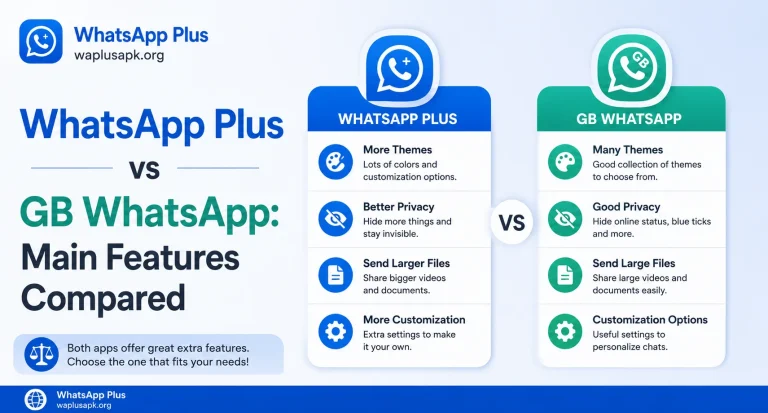
. Extensive Theme Customization
WhatsApp Plus ships with access to thousands of community-made themes, letting you completely transform the visual appearance of your chat interface far beyond the handful of dark and light options in the official app.
. Custom Font Options
Alongside themes, you can also change the actual font style used throughout the app, which is a small but noticeable personalization detail that many users appreciate.
. Increased Media Sharing Limits
The official app caps how many images you can send at once and limits file sizes for videos and documents. WhatsApp Plus typically raises these limits considerably, which matters a lot for users who frequently share large batches of photos or bigger video files.
. Higher-Quality Image Sharing
Beyond just quantity, WhatsApp Plus often allows images to be sent without the heavy compression the official app applies, preserving more of the original photo quality when sharing.
. Auto-Reply Functionality
This feature lets you set up automatic responses for incoming messages, functioning similarly to an out-of-office email reply, which is especially useful for small business owners or anyone managing high message volumes.
. Scheduled Messages
Rather than sending a message immediately, you can schedule it to be delivered at a specific future time, which is a feature many official messaging apps still don’t offer natively.
. App Lock with Fingerprint or Pattern
WhatsApp Plus includes a built-in app lock feature that lets you secure the app itself with a fingerprint, PIN, or pattern, adding a layer of protection separate from your phone’s general lock screen.
. Conversation-Specific Notification Customization
You can assign unique notification sounds, pop-up styles, and vibration patterns to individual conversations, making it far easier to recognize who’s messaging you without even looking at your screen.
. Message Character Limit Increase
The official app limits how many characters you can put into a single status update or caption. WhatsApp Plus typically raises this limit, giving users more room to express themselves in status posts.
. Anti-Revoke Feature for Deleted Messages
This feature lets you still see messages that the sender has deleted for everyone, which taps into a very real curiosity many users have when a message disappears from their chat unexpectedly.
. Custom Status Options
Beyond the standard text and photo statuses, some versions allow for extended status customization, including longer captions and additional formatting options.
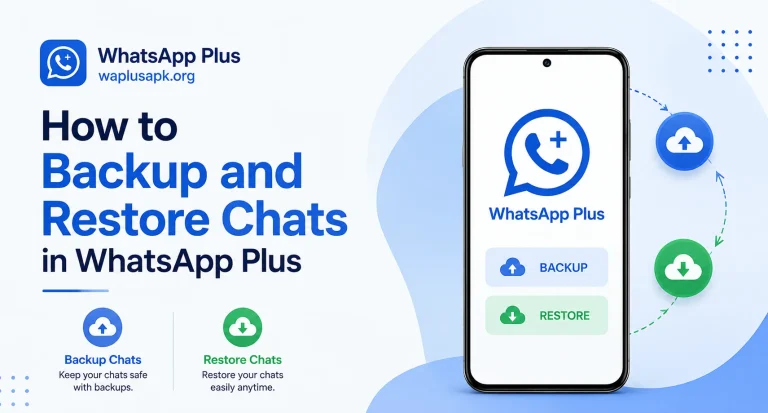
. Backup and Restore Flexibility
WhatsApp Plus generally supports similar backup and restore functionality to the official app, letting users move their chat history when switching devices or reinstalling the app.
. Multiple Account Support on One Device
Certain versions of WhatsApp Plus allow you to run more than one account simultaneously on the same device, which is particularly valuable for people juggling separate personal and business numbers without needing two physical phones.
Why These Features Matter So Much to Everyday Users
Looking at this list as a whole, a clear pattern emerges. The vast majority of these features fall into three broad categories: privacy, personalization, and practical convenience. Official WhatsApp, being a product used by literally billions of people worldwide, has to prioritize simplicity, broad compatibility, and predictable behavior. That means many niche but genuinely useful features simply never make it into the official roadmap, even when users request them repeatedly over the years.
WhatsApp Plus developers, operating independently and without the same constraints, are free to experiment and respond directly to what a smaller, more specific community of users actually wants. This is precisely why features like ghost mode, granular tick controls, and DND mode have remained so consistently popular — they solve real, specific frustrations that a lot of people experience but that official WhatsApp has never fully addressed.
A Word of Balance on Feature-Rich Modified Apps
It’s worth pointing out that more features don’t automatically mean a better overall experience. Every additional feature in a modified app represents additional code that hasn’t gone through the same rigorous testing and security review that official app updates go through. Some users find that certain features occasionally introduce minor bugs, unexpected notification delays, or occasional syncing quirks that the official app rarely experiences.
This doesn’t mean the features aren’t worth using — for many people, the benefits clearly outweigh these occasional inconveniences. But it’s honest to acknowledge that using an unofficial app inherently means accepting a slightly less polished and less predictable experience in exchange for far greater flexibility and control.
How to Decide Which Features Matter Most to You
With twenty features on the table, not every user will care equally about all of them. Privacy-focused users will gravitate toward ghost mode, selective tick hiding, and DND mode. Users who care more about personalization will spend more time exploring themes and fonts. Business-oriented users will likely find the most value in auto-reply, scheduled messages, and multiple account support.
Thinking about your own daily habits and frustrations with the official app is the best way to prioritize which of these features you’ll actually use regularly, rather than installing the app purely for its reputation without a clear sense of what you personally need from it.
Frequently Asked Questions
Final Thoughts
WhatsApp Plus has built its reputation over the years precisely because of this deep, thoughtful feature set. It doesn’t try to replace WhatsApp entirely – it builds directly on top of the familiar foundation everyone already knows, then adds the flexibility that a huge portion of the user base has been asking for. Whether your priority is privacy, personalization, or everyday convenience, this list makes it clear why so many Android users continue to seek out this modified version year after year, even knowing it comes from outside the officially supported app ecosystem.